Create your own personal Wi-Fi Hotspot
Connectify 6 Beta turns your PC into a Wi-Fi hotspot, letting other computers, smartphones and tablets share your connection.
Top Recommended Alternative

Easy to use
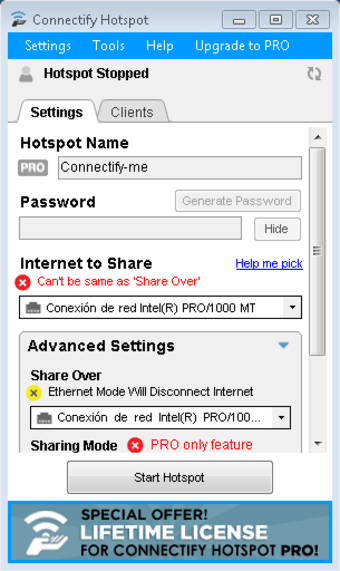
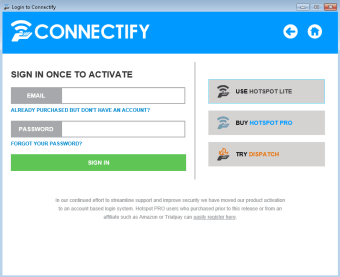
After installation, Connectify 6 Beta will recognize your PC's network card, automatically configuring it as a hotspot and assigning you a network name (you can only change it by upgrading to the Pro version). You'll then have to choose a password or use the automatic password generator that's integrated into the software.
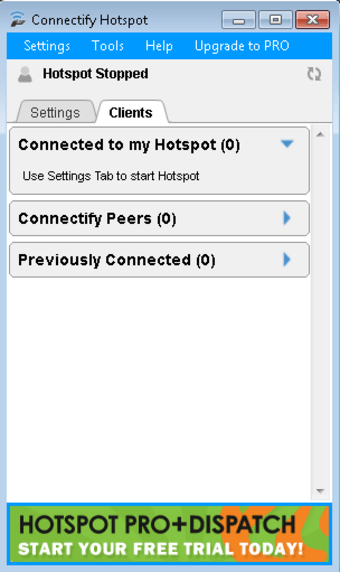
Clicking on "Start Hotspot" will make your access point operational, letting any nearby device with the password connect to it. The 'Clients' tab will show you which devices are currently connected to your hotspot.
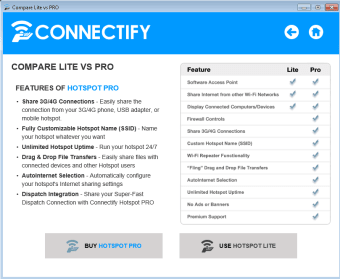
The interface includes some advanced features which are only accessible by upgrading to the Pro version.\n
Connectify 6 Beta gives you instant access to a fully operational Wi-Fi access point within minutes. The setup is really fast and requires little to no technical knowledge.
Heavy resource consumption
The software works well and does what it promises, but its resource consumption could be improved: during our test, it used about 40MB of RAM.
Connectify Dispatch included in bundle
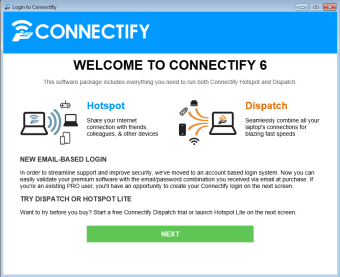
The installation package for Connectify 6 Beta includes Connectify Hotspot (free release) and Connectify Dispatch, a 7-day trail of the software which allows you to use multiple simultaneous connections (Wi-Fi, 3G, 4G, Ethernet) to obtain maximum web browsing speed.
Conclusion
Connectify Beta 6 is a good way to quickly share your internet connection with others. Compared to the latest stable release, this beta doesn't offer any new or radical changes, but rather simple tweaks that improve usability.
Changes
- Improved usabilitity
- Integrated into the taskbar
- Resized functions for an improved interface
- Hotspot Dispatch integrated into the bundle